Searching in data grids
If you want to quickly search through a data grid for records that contain specific text, use a filter box on the right side of the Module menu to limit the number of records that the data grid displays.
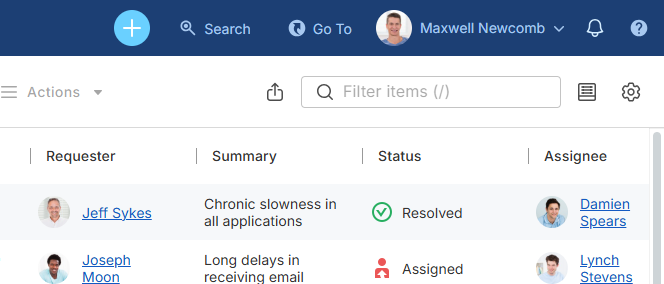
To search for text in a data grid:
-
Navigate to the data grid where you want to find some text.
-
In the filter box on the Module menu, type your text. As you type, the data grid will show only those records that contain the entered text.
-
To revert to the complete list of records, delete the text in the filter box.
NOTE: The text is searched for only in the currently displayed columns. If you need to search for text in other columns, you have to add them to the data grid first. For details, see Customize View window.