AI Assistant commands
Introduced in 2026
Commands are quick-action buttons the AI Assistant displays in the Self Service Portal next to the chat input. They allow users to run common actions without typing.
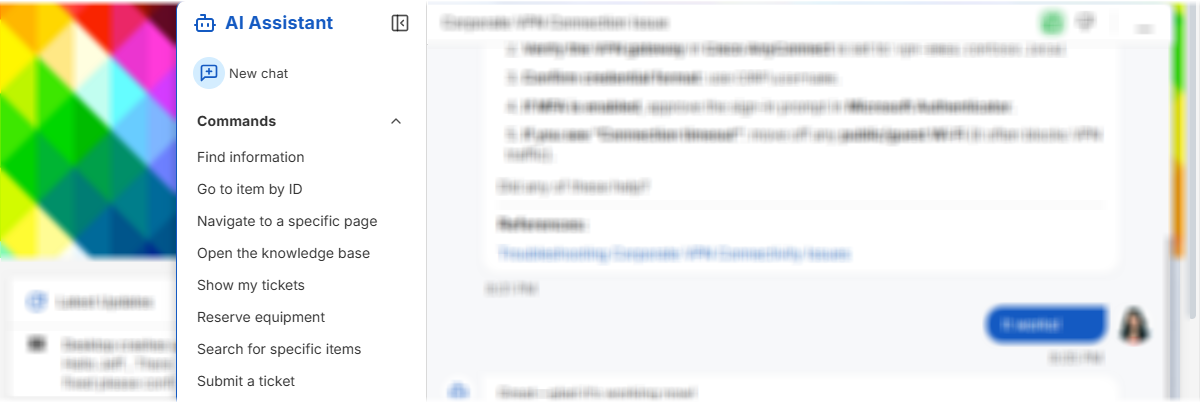
Each command sends a predefined prompt that can invoke specific skills and workflows.
You can enable or disable commands as needed. Disabling a command hides its button from the assistant interface.
System commands are read-only. To customize a system command, create a copy based on the original command and disable the system version.
To create a quick command for the AI Assistant:
-
Open Admin Center.
-
Go to Apps and Portals > Self Service Portal and select your portal instance, if needed.
-
Open the AI Assistant page.
-
Open the Commands tab.
-
Click Add Command.
-
Enter the command display name.
-
Enter the AI prompt that should be sent when the user selects the command.
-
Optionally, configure localization keys and required skills.
-
Save your changes.