What's new in version 2026.1.1
September 2026
Version 2026.1.1 is a maintenance release
AlloyScan Sync
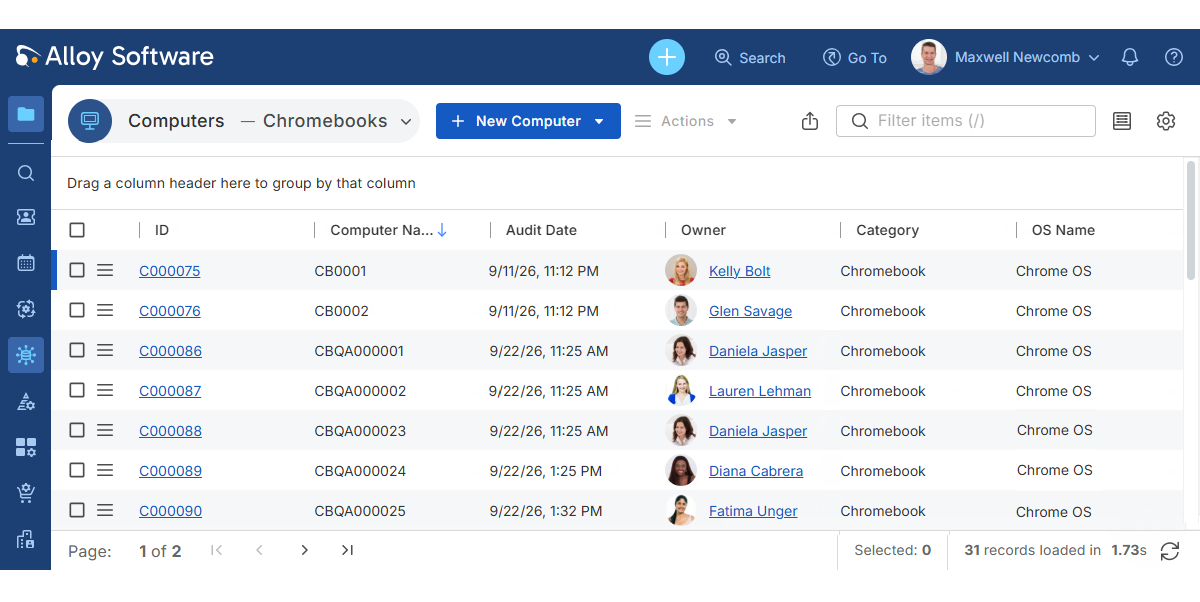
Alloy Navigator Express now supports importing additional device types from AlloyScan:
- Chromebooks discovered through the Google Directory integration
- iPhones, iPads, and Apple TVs discovered through the Jamf integration
Imported devices are automatically created as Computers or
INFO: For instructions on setting up the Google Directory and Jamf integrations, see AlloyScan User Guide.
AI capabilities
-
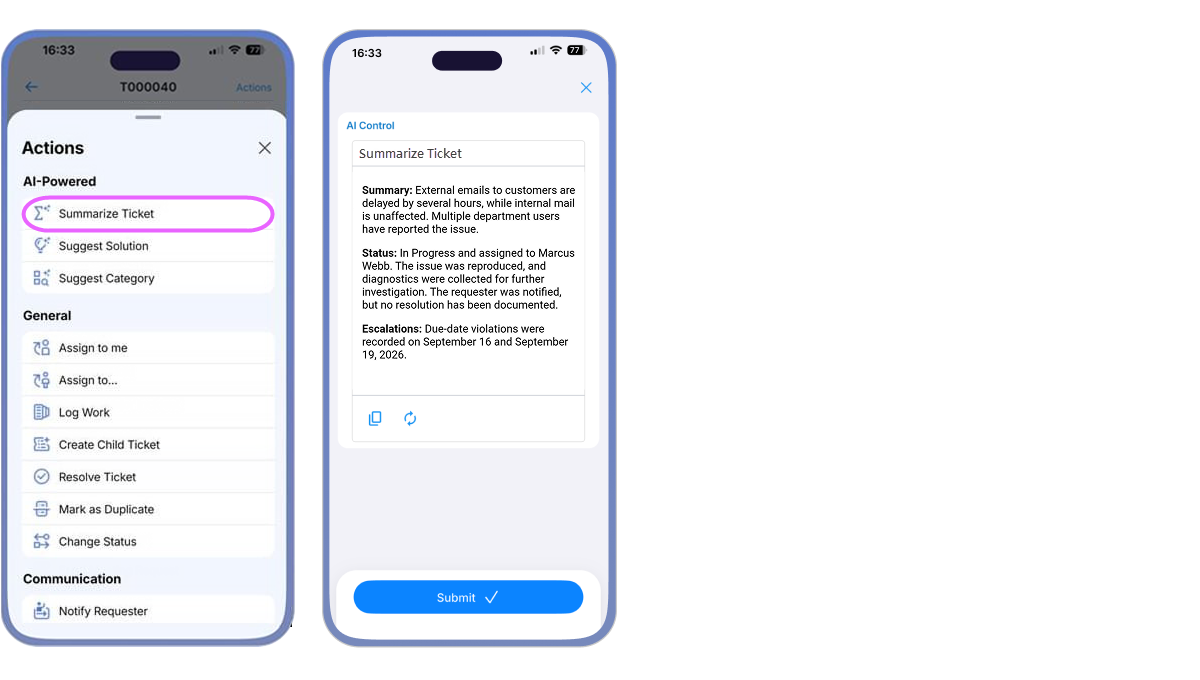
Built-in AI-powered workflow actions for Service Support tickets, such as Summarize
-
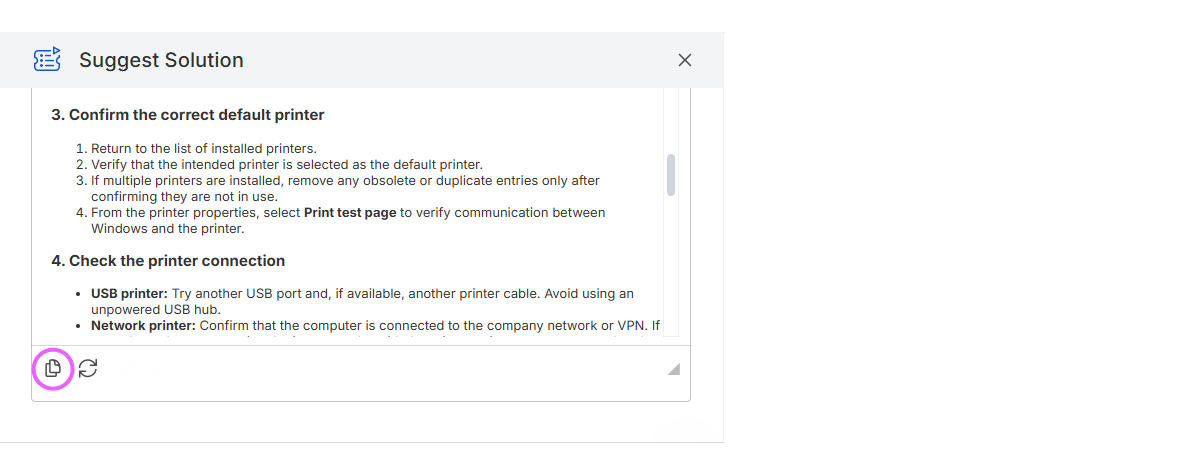
The Copy button for AI-generated results now preserves formatting, including paragraphs and bold text, when you paste the content into a rich-text field, email, or chat editor that supports this formatting.
-
Added support for OpenAI's new GPT-6 model family, giving you more control over the quality, speed, and cost of AI responses.
TIP: To use a newer model, administrators can enter its model ID (for example, gpt-6-luna) directly in the Completion model field (Admin Center: AI Integration > AI Configuration). For details, see Supported AI models for AI integration.
Dashboards
-
Fixed an issue where a dashboard containing a legacy chart widget could fail with a 404 error. This occurred when the widget's filter name ended with an extra space.
TIP: We recommend replacing legacy dashboard widgets with new analytics widgets wherever possible. For details, see Help: Working with dashboards.
Import Wizard
-
The Import Wizard now supports matching existing Computers,
Recurrent Tickets
-
Fixed an access violation error that could occur when multiple Recurrent Ticket jobs ran at the same time.
-
Fixed an issue where saving a Recurrent Ticket job could swap the day and month in its start date when the browser used a day-first date format, such as DD/MM/YYYY.
Network Inventory and Audit Tools
-
Alloy Audit Tools has been updated to version 2026.1.1. This update supports macOS Golden Gate (version 27) and includes several fixes for macOS and Windows inventory analyzers and the Audit Data Viewer. For a complete list of changes, see Audit Tools Update Release Notes.
-
Fixed an issue where Network Inventory reported memory modules larger than 32 GB as 32 GB, resulting in incorrect total memory capacity for Windows computers.
Data Views
-
Fixed an issue where the Product column in All Assets data views could be blank or display an incorrect value for Computers, Inventory Items, and Software Licenses.
-
The Members section on the Group details page now displays a warning when the current view does not reflect the order saved in the Group Members Order dialog. This can occur when the view is sorted by another column or no longer includes the Rank column. The warning explains how to display the saved order; the saved order itself remains unchanged.
Self Service Portal
-
Resolved issues with filters that control which Knowledge Base articles are displayed across a Self Service Portal instance (Admin Center: Apps and Portals > Self Service Portal > View Configuration).