Sign-in failed
Symptoms
When attempting to sign in to Alloy Navigator, one of these error messages may appear.
-
Sign-in failed for user 'DOMAIN\UserName'.
-
Sign-in failed for user 'UserName'.
-
Cannot log on as DOMAIN\UserName. The user name or password is incorrect.
-
You are not allowed to sign in to Alloy Navigator with your Okta / Microsoft / Office 365 account 'UserName'.
Cause
This error occurs if the user tries to sign in with credentials that cannot be validated.
Resolution
First, please verify that you have entered your credentials correctly. Make sure that the CAPS LOCK key is turned off and check your keyboard layout.
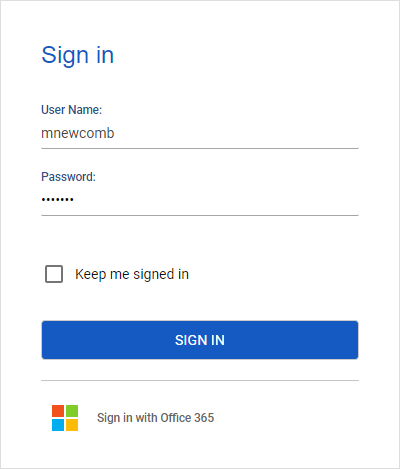
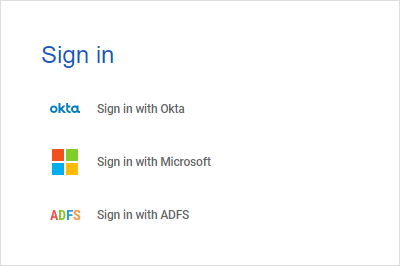
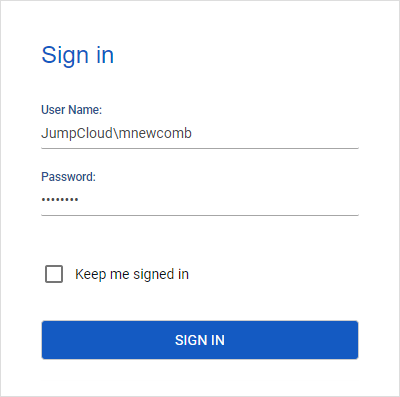
To provide your credentials properly, check the authentication type of your Alloy Navigator account: Standard, SSO, or Windows. Windows accounts may also leverage LDAP authentication for sign in. Depending on the authentication type, the Sign in dialog box looks differently and expects different user input.
Related Information:
Obtaining Technical Support
Related Information for administrators:
Troubleshooting login issues